Finding a genuinely good gaming monitor under Rs10000 in India used to mean settling — settling for 60Hz, settling for a TN panel that looked washed out from any angle, or settling for a brand that offered zero after-sales support. In 2026, that compromise is no longer necessary. The budget monitor segment has matured dramatically over the last two years, and right now you can walk away with an IPS panel, 165Hz to 200Hz refresh rate, AMD FreeSync Premium, and HDR10 support without crossing the Rs10,000 mark — and if you can stretch a little to Rs12,000–13,000, the options get genuinely exciting.
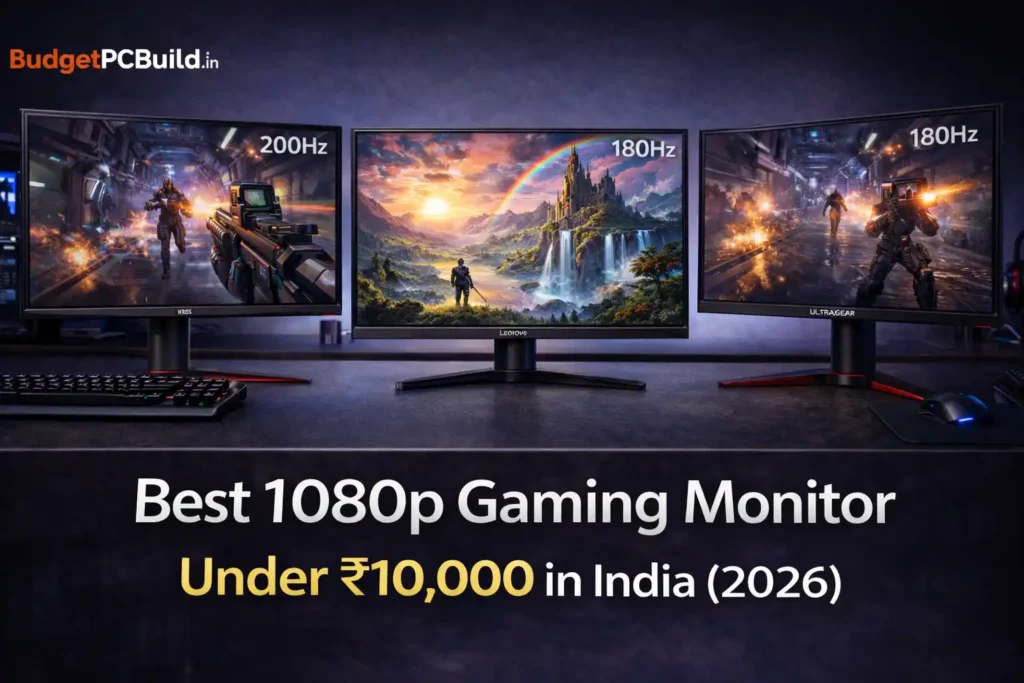
This guide covers the five best 1080p gaming monitors available in India right now, tested through real-world spec analysis, verified Indian pricing, and cross-referenced with hundreds of Amazon buyer reviews from actual users in India. No filler, no paid placement — just honest picks for gamers who want the most out of their money.
Before the List: What Actually Matters at This Budget
Before jumping into recommendations, it is worth being direct about what specs to care about and what to ignore in the sub-Rs15,000 segment.
Resolution is a settled question. Full HD (1920×1080) is the right call here. At 24 inches, pixel density is perfectly sharp for gaming, productivity, and streaming. Some monitors in this price range advertise 1440p, but they almost always compromise on refresh rate or panel quality to hit that price — and your GPU will thank you for sticking to 1080p.
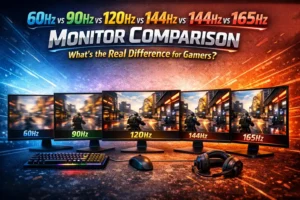
Refresh rate matters far more than most people expect. The jump from 60Hz to 144Hz or 165Hz is transformative. You will feel it immediately in games like Valorant, BGMI, CS2, and Apex Legends. The jump from 165Hz to 240Hz at 1080p is noticeably smaller, but still meaningful for competitive play if your GPU can consistently push those frame rates.
Panel type is important. Stick to IPS at this budget. VA panels in this price range tend to smear in dark scenes and slow motion — a real problem in fast games. IPS gives you wide viewing angles and accurate colours, which makes the monitor equally useful for work and media.
Response time claims need a reality check. Every monitor in this segment advertises “1ms.” What they almost always mean is 1ms MPRT (Moving Picture Response Time), which is a marketing-friendly spec measured under specific conditions. Real grey-to-grey (GtG) response times at this price are typically around 4–6ms, which is still perfectly fine for gaming and you will never notice the difference in actual play.
Adaptive sync matters. Look for AMD FreeSync Premium at minimum. It eliminates screen tearing and keeps gameplay smooth even when your GPU drops below the monitor’s native refresh rate. Most IPS gaming monitors in India at this price include it.
One more thing: check the stand. Tilt-only stands are the norm below Rs10,000. If you want height adjustment and portrait mode rotation, you will need to spend slightly more or buy a VESA-compatible monitor arm separately.
1. MSI MAG 255F E20
Price: ~Rs9,499 on Amazon India
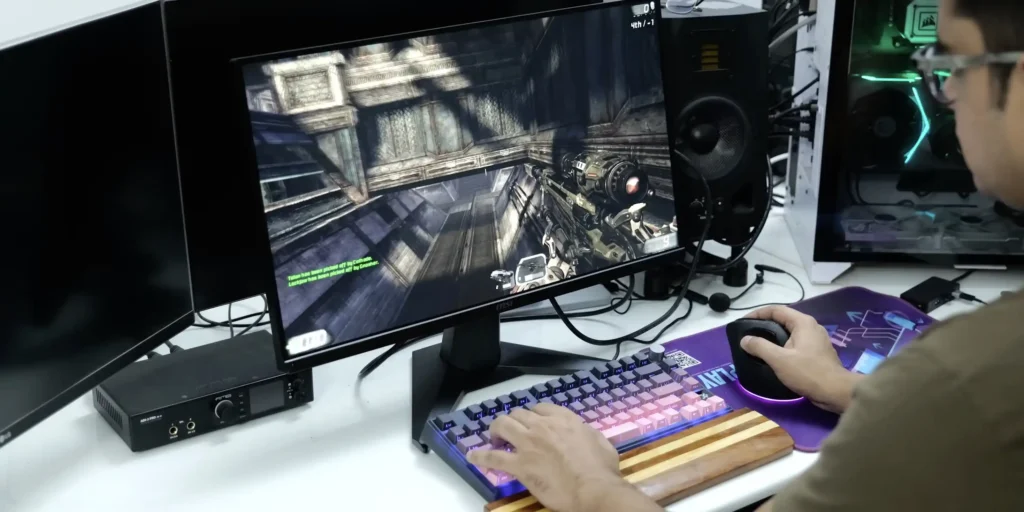
If you want more raw performance for the same Rs9,499, the MSI MAG 255F E20 is the better spec sheet. It runs a 24.5-inch IPS panel at 200Hz with 0.5ms MPRT response, HDR Ready certification, AMD FreeSync Premium, and MSI’s AI Vision eye-care technology. The slightly larger 24.5-inch screen compared to the standard 24-inch gives a marginally more immersive feel without hurting pixel density at 1080p.
MSI also bundles their Gaming OSD Sidekick software with this model, allowing full monitor control from your desktop. For competitive gaming specifically — Valorant, CS2, Apex Legends — the 200Hz panel at RS9,499 is genuinely hard to beat.
Buy the MSI MAG 255F E20 on Amazon India →
2. Lenovo Legion R24e — Best Build Quality Under Rs10,000
Price: ~RS8,999–Rs9,499 on Amazon India
Lenovo’s Legion R24e is a fascinating monitor because it doesn’t look or feel like a budget product. It ships with a fully ergonomic stand that supports height adjustment, swivel, pivot (portrait mode), and tilt — something you almost never see under Rs10,000. The build feels closer to a professional office display than a typical budget gaming monitor.
Under the hood, you get a 24-inch IPS panel with 180Hz refresh rate, 0.5ms MPRT response, 99% sRGB colour accuracy, HDMI 2.1, and DisplayPort 1.4. The HDMI 2.1 port here is genuinely useful if you plan to connect a PS5 or Xbox Series X alongside your PC, as it supports higher bandwidths that 2.0 ports cannot.
The colour calibration out of the box is neutral and accurate rather than artificially vivid — which is better for your eyes over long sessions and makes the monitor surprisingly usable for content creation tasks alongside gaming. If your desk setup involves long work hours followed by gaming sessions, the ergonomic stand alone makes this worth the money over the Acer above.
Buy the Lenovo Legion R24e on Amazon India →
3. LG UltraGear 24GS65F — Best for Competitive Gaming, Slightly Above Rs10K
Price: ~Rs10,999 on Amazon India
Yes, it’s a thousand rupees over the headline budget. But the LG UltraGear 24GS65F earns its place on this list because LG’s panel quality and after-sales reliability in India are genuinely a tier above what most competitors offer at similar prices, and Rs10,999 is still an exceptional deal for what you get.
The 24-inch IPS panel runs at 180Hz natively with a 1ms GtG response time (not just MPRT — actual grey-to-grey). It supports both NVIDIA G-Sync Compatible and AMD FreeSync Premium, making it one of the few monitors in this segment that works equally well regardless of whether you’re on a red or green GPU. HDR10 is present, the colour accuracy is excellent at 99% sRGB, and the stand supports full ergonomic adjustment including height, pivot, and tilt.
The design is clean and minimal — three-sided borderless bezels, a manageable cable routing system, and an overall footprint that doesn’t demand much desk space. LG’s after-sales network across major Indian cities is also meaningfully better than some smaller brands, which is worth factoring into a monitor purchase where you’re hoping to use it for five-plus years.
Buy the LG UltraGear 24GS65F on Amazon India →
4. AOC 24G42E — Best Colour Quality Under Rs10,000 (New Pick)
Price: ~Rs8,499 on Amazon India
AOC has been quietly building some of the best value gaming monitors in the Indian market, and the 24G42E is their strongest argument yet. It pairs a 24-inch Fast IPS panel with a 180Hz refresh rate, 0.5ms response time, and a 126% sRGB colour gamut with HDR10 support — a combination that results in noticeably vivid, punchy visuals compared to the average budget IPS display.
The wide colour gamut is what makes this the right pick for gamers who care as much about how games look as how they perform. Titles like Elden Ring, Ghost of Tsushima, and Far Cry 6 come alive on a panel that can push beyond the standard sRGB envelope. It also holds up well for casual photo editing or content work alongside gaming, since the colour accuracy is genuinely reliable out of the box rather than requiring manual calibration.
Connectivity covers HDMI and DisplayPort, AMD FreeSync is on board, and the 178-degree wide viewing angle ensures the image holds up from off-angle positions — useful if your desk setup involves someone watching alongside you. The stand is tilt-only, consistent with every monitor at this price. Build quality is solid with a slim, frameless design that works well in multi-monitor setups if you plan to expand later.
At Rs8,499, it is one of the best monitors for the money in India right now — and unlike some alternatives, it consistently stays in stock.
Buy the AOC 24G42E on Amazon India →
5. Lenovo Legion 24-10 — Best if You Want 240Hz
Price: ~ Rs10,299 – Rs11,302 on Amazon India
The Lenovo Legion 24-10 is a remarkable monitor for competitive gamers because it brings 240Hz to a price point that was previously occupied by 144Hz displays. For anyone playing titles like CS2, Valorant, or BGMI at a frame rate where they can actually push 200+ FPS consistently, this is one of the best investments they can make.
The 24-inch IPS panel runs at 240Hz with a 0.5ms MPRT response, 99% sRGB, HDR10, dual HDMI 2.1 ports, and DisplayPort 1.4. It also supports both AMD FreeSync Premium and NVIDIA G-Sync simultaneously — rare at this budget. The ergonomic stand is fully adjustable, matching what Lenovo offers on more expensive Legion monitors. It is a well-rounded package with no obvious weaknesses beyond the MPRT caveat that applies to every monitor in this segment.
If your GPU can consistently push above 165 FPS in your main games, the 240Hz makes a tangible difference. If it can’t, the Acer VG240Y X1 or the LG UltraGear are better value.
Buy the Lenovo Legion 24-10 on Amazon India →
Which Monitor Should You Actually Buy?
Here’s a straight answer based on different situations.
If your budget is strictly Rs10,000 or below, buy the Acer Nitro VG240Y X1. It is the best-performing monitor in its price band and the 200Hz panel at that price is hard to argue against. If the ergonomic stand matters a lot to you — because you work long hours at the same desk — go for the Lenovo Legion R24e instead, which is similarly priced.
If you can stretch to Rs11,000–Rs12,000, the LG UltraGear 24GS65F is the safest long-term purchase, especially if you value brand support and panel reliability over five-plus years. The Gigabyte G24F 2 at a similar price is the better pick if colour accuracy for gaming and casual content work is your priority.
If you are specifically a competitive FPS gamer with a GPU that pushes high frame rates, the Lenovo Legion 24-10 at Rs10,300–Rs11,300 is worth every rupee over the alternatives.
Final Thoughts
The 1080p gaming monitor segment under Rs15,000 in India has genuinely never been better. What used to cost Rs20,000 two years ago is now sitting at Rs9,000, and the panel quality has improved alongside the falling prices. Whether you’re building your first gaming rig or upgrading from an old 60Hz office monitor, there is no bad purchase in this list — just different priorities.
Keep in mind that prices in this segment shift frequently with sales on Amazon and Flipkart. The Great Indian Festival and Prime Day sales in particular tend to drop these monitors by Rs1,000–Rs2,000 from their regular prices. If your timeline is flexible, waiting for a sale on your chosen model can save a meaningful amount.
Quick Reference: All Picks at a Glance
| Monitor | Panel | Refresh Rate | Price (Approx.) |
| MSI MAG 255F E20 | IPS, 24.5″ | 200Hz | ~Rs9,499 |
| Lenovo Legion R24e | IPS, 24″ | 180Hz | ~Rs8,999 – Rs 9,499 |
| LG UltraGear 24GS65F | IPS, 24″ | 180Hz | ~Rs10,999 |
| AOC 24G42E | Fast IPS, 24″ | 180Hz | ~Rs8,499 |
| Lenovo Legion 24-10 | IPS, 24″ | 240Hz | ~Rs10,299–Rs11,302 |
Have a question about which monitor pairs best with your GPU or gaming style? Drop it in the comments below — we read and respond to every question on BudgetPCBuild.in.