best monitors under 20k in India
Are you looking for the best monitors under 20k in India, this guide covers the top options for work from home, gaming, and productivity in 2026.
Contents
Let me ask you something.
How many hours a day are you staring at your laptop screen? Six? Eight? Maybe more on those days when deadlines pile up and lunch disappears into another meeting? Now think about this — your phone screen gets upgraded every two years, your laptop gets replaced when it dies, but somehow the display you spend the most time looking at never makes the priority list.
That stops today.
A good external monitor is not a luxury for the work-from-home setup. It is the single upgrade that changes how your entire day feels. Not just how your work looks — how your eyes feel at 7 PM, how straight your back sits, how much you can see without toggling between windows like a madman. And the best part? In 2026, you do not need to spend a fortune to get there.
Under Rs 20k the Indian market has some genuinely impressive options right now. Sharp, certified, well-built displays from brands that have been making monitors longer than most of us have been using computers. This guide covers the ten best ones — verified on Amazon India, honestly reviewed, and ranked with your actual workday in mind.
No fluff. No filler. Let us get into it.
Before You Buy monitor
There are four things most people get wrong when buying a monitor for the first time.
They go too small. A 21-inch or 22-inch monitor feels adequate in the store and frustrating within a week. For WFH use, 27 inches is the sweet spot — big enough to multitask comfortably, small enough to not dominate a normal-sized desk.
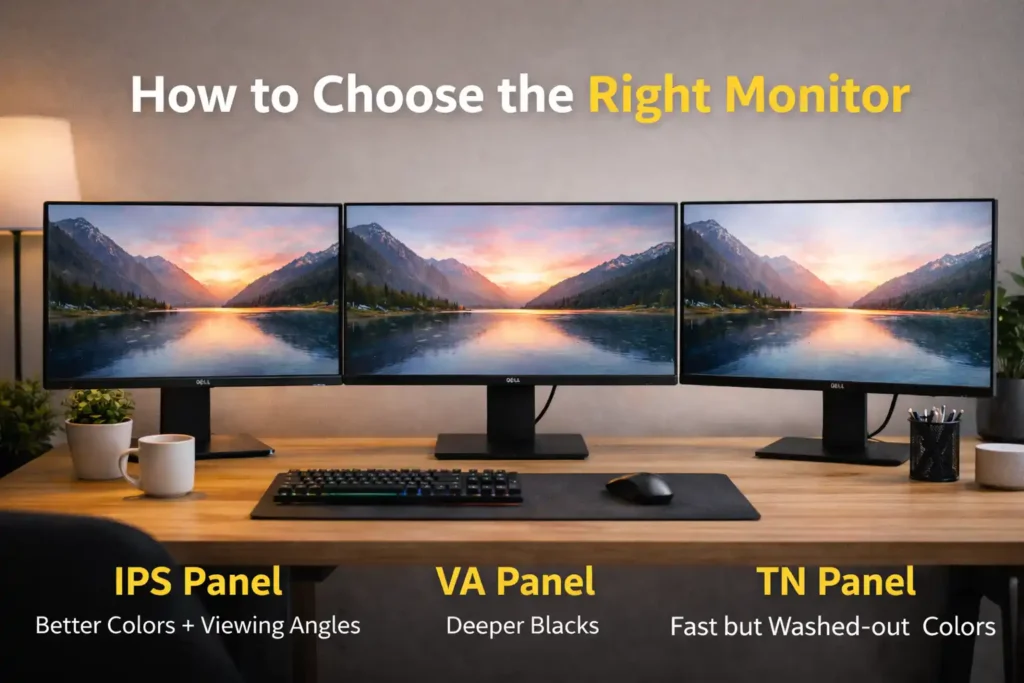
They ignore the panel type. IPS panels give you accurate colours and wide viewing angles. VA panels give you deeper blacks but a narrower sweet spot. TN panels are fast but washed-out from any angle other than straight ahead. For office work, IPS is almost always the right answer.
They fall for unverified eye care claims. Every monitor box in India says eye care somewhere on it. What actually matters is whether a third party has tested and certified that claim. TÜV Rheinland Eye Comfort and Eyesafe are the two certifications worth trusting. Everything else is marketing.
They buy Full HD without considering QHD. At 27 inches, Full HD is perfectly usable. But 2K QHD (2560×1440) at the same size makes text noticeably crisper, gives you more screen real estate, and reduces the squinting you do not even realise you are doing. If your budget has any room, the QHD upgrade is worth it.
Keep these four points in mind as you read through the list below. They will make the decision much easier.
Quick Comparison Table – best monitor under 20k in india
| S.No. | Monitor | Size | Resolution | Panel | Refresh Rate | Est. Price | Who It’s For |
| 1 | BenQ GW2790Q | 27 inch | 2K QHD | IPS | 100Hz | ₹13,999 | Best Overall |
| 2 | Dell SE2725HM | 27 inch | FHD | IPS | 100Hz | ₹10,399 | Best Under 11K |
| 3 | BenQ GW2790T | 27 inch | FHD | IPS | 100Hz | ₹15,999 | Best Ergonomics |
| 4 | AOC Q27B3S2 | 27 inch | 2K QHD | IPS | 100Hz | ₹12,900 | Best Budget QHD |
| 5 | HP M27f | 27 inch | FHD | IPS | 75Hz | ₹12,999 | Best for Beginners |
| 6 | BenQ GW2790 | 27 inch | FHD | IPS | 100Hz | ₹10,999 | Best Entry-Level |
| 7 | Samsung M5 Smart Monitor | 27 inch | FHD | VA | 60Hz | ₹17,999 | Best Smart Monitor |
| 8 | BenQ GW2786TC | 27 inch | FHD | IPS | 100Hz | ₹17,999 | Best for Laptops |
| 9 | Acer Nitro VG271U M3 | 27 inch | 2K QHD | IPS | 180Hz | ₹18,999 | Best Work + Gaming |
| 10 | LG 27MR400 | 27 inch | FHD | IPS | 100Hz | ₹11,499 | Best Clean Setup |
These prices are approximate as of April 2026. Amazon prices change frequently — always click through to confirm the current price before buying.
Detailed Reviews – best monitors under 20k in India
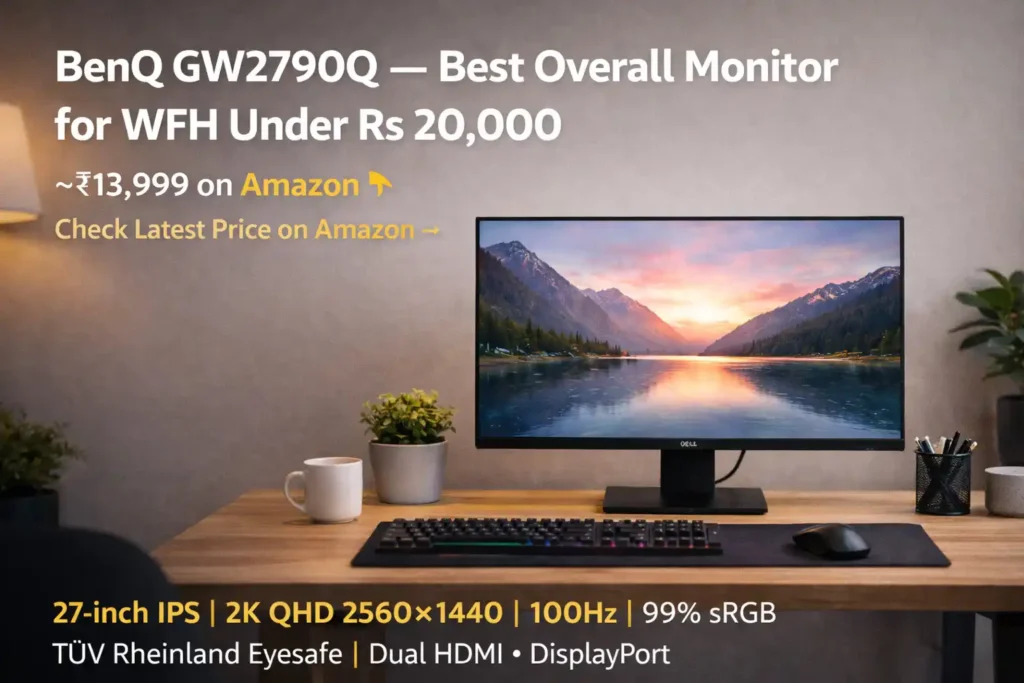
1. BenQ GW2790Q — Best Overall Monitor for WFH Under 20,000
Price: ~₹13,999 on Amazon 👉Check Latest Price on Amazon →
Specs at a glance: 27-inch IPS | 2K QHD 2560×1440 | 100Hz | 99% sRGB | TÜV Rheinland Eyesafe | Dual HDMI + DisplayPort
There are products that deliver exactly what they promise. And then there are products that deliver more than you expected at a price lower than you thought possible. The BenQ GW2790Q falls firmly in the second category — and it is not close.
Picture this: you sit down at your desk on a Monday morning, open a spreadsheet, and realise you can see every row without leaning in. The text is sharp. The colours are clean. Your eyes do not feel like they are working overtime to make sense of what is on screen. That is not a small thing when you multiply it across eight hours a day, five days a week.
The 2K QHD resolution on a 27-inch IPS panel is what drives that experience. At 2560×1440 pixels, there is a real, visible sharpness to everything — text in particular looks almost print-like compared to Full HD. For anyone who writes code, reviews documents, or works in spreadsheets for most of their day, this is a noticeable improvement that does not fade after the novelty wears off.
BenQ’s eye-care approach here is genuinely serious, not cosmetic. The monitor carries TÜV Rheinland Eyesafe certification — a third-party laboratory validated that the display reduces potentially harmful blue-violet light while keeping colour accuracy intact. That is very different from a brand simply slapping a Low Blue Light sticker on the box. There is also a flicker-free backlight, which eliminates the invisible cycling that causes eye fatigue over long sessions. And Brightness Intelligence Gen 2 adjusts screen brightness automatically based on how bright the room around you is — a feature that sounds minor until you realise you have stopped manually adjusting your screen every time a cloud passes.
The Coding Mode and ePaper Mode deserve a special mention. These are not renamed colour presets. BenQ has carefully tuned these profiles for specific tasks — coding mode enhances contrast for reading code on dark backgrounds, ePaper mode brings the warmth down to something closer to a printed page for long reading sessions. They work exactly as described.
Now, what does not work perfectly? The stand. It tilts, and that is about it. No height adjustment, no swivel, no pivot. For a monitor at this price level it is an acceptable trade-off, but if you are tall, or if your desk is not at standard height, you will want to pick up a basic monitor arm alongside this. Budget around Rs 1,500–2,000 for a decent one, and your total investment of roughly Rs 15,500 still represents outstanding value for a certified 2K eye-care display.
Amazon buyers agree — hundreds of verified reviews average 4.4 out of 5 stars, with the most repeated praise around colour clarity, sharpness of text, and noticeably less eye strain after long work sessions. The rare complaints are about packaging during delivery, not the panel itself.
Our verdict: The BenQ GW2790Q is the recommendation we make to most readers without hesitation. It does everything a WFH monitor should do, does it well, and does it at a price that is genuinely difficult to argue with. This is the one.
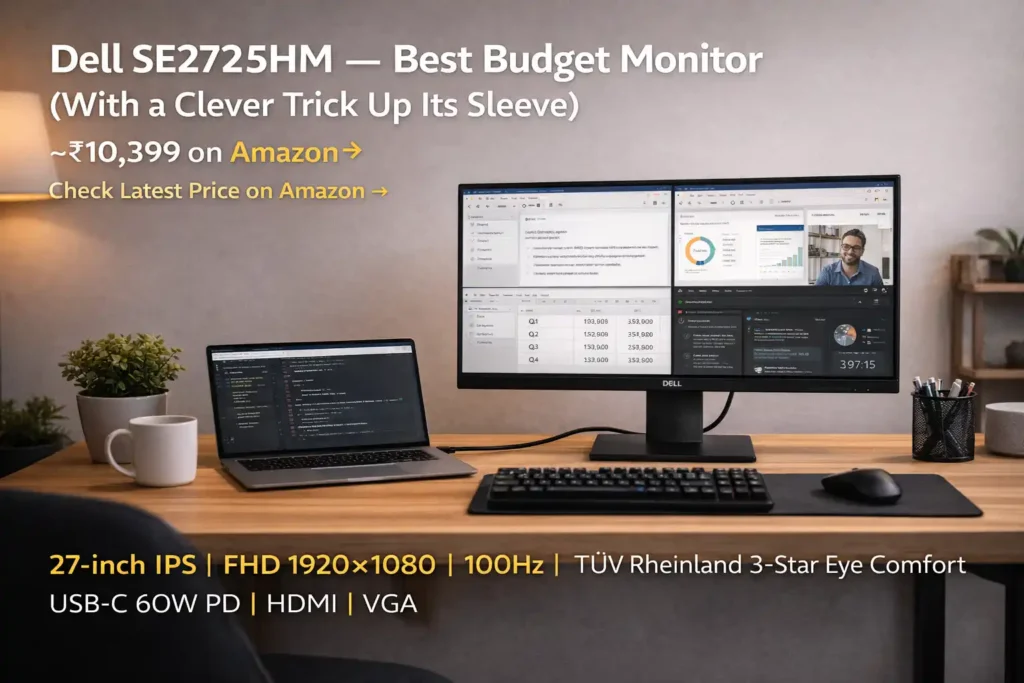
2. Dell SE2725HM — Best Budget Monitor (With a Clever Trick Up Its Sleeve)
Price: ~₹10,399 on Amazon 👉 Check Latest Price on Amazon →
Specs at a glance: 27-inch IPS | FHD 1920×1080 | 100Hz | TÜV Rheinland 3-Star Eye Comfort | USB-C 60W PD | HDMI | VGA
Dell is not a brand that surprises you with flashy features or aggressive spec sheets. What Dell does — and has done consistently for years — is build monitors that work reliably, look professional, and do not cause problems. In a category where quality control can feel like a gamble at budget price points, that track record is genuinely valuable.
What surprises you about the SE2725HM is not the brand — it is the USB-C port with 60-watt Power Delivery sitting on a Rs 10,399 monitor. That is not something most manufacturers bother including at this price. But for someone who works from a MacBook Air, a Dell XPS 13, or any modern thin-and-light with USB-C output, this single port changes the entire desk experience. One cable. Laptop gets power, monitor gets signal, desk loses the wire tangle. It takes about ten seconds to feel the difference.
The 27-inch FHD IPS panel with 100Hz is solid work-from-home territory. Colours are accurate, viewing angles are comfortable, and the TÜV Rheinland 3-Star Eye Comfort certification means the blue-light and flicker claims have been independently verified. At 250 nits brightness, it covers most indoor WFH environments — though a desk directly facing a large window in direct afternoon sunlight may push you to adjust the screen angle.
Dell’s 3-year warranty and service network across India matter more than most buyers factor in at purchase time. Eighteen months from now, if something is wrong, Dell’s after-sales process is among the most straightforward in this segment. That peace of mind has real, practical value.
Our verdict: If your primary machine is a modern laptop and your budget sits under Rs 11,000, this is the most practical single purchase you can make for your WFH setup. The USB-C convenience alone makes it stand out.
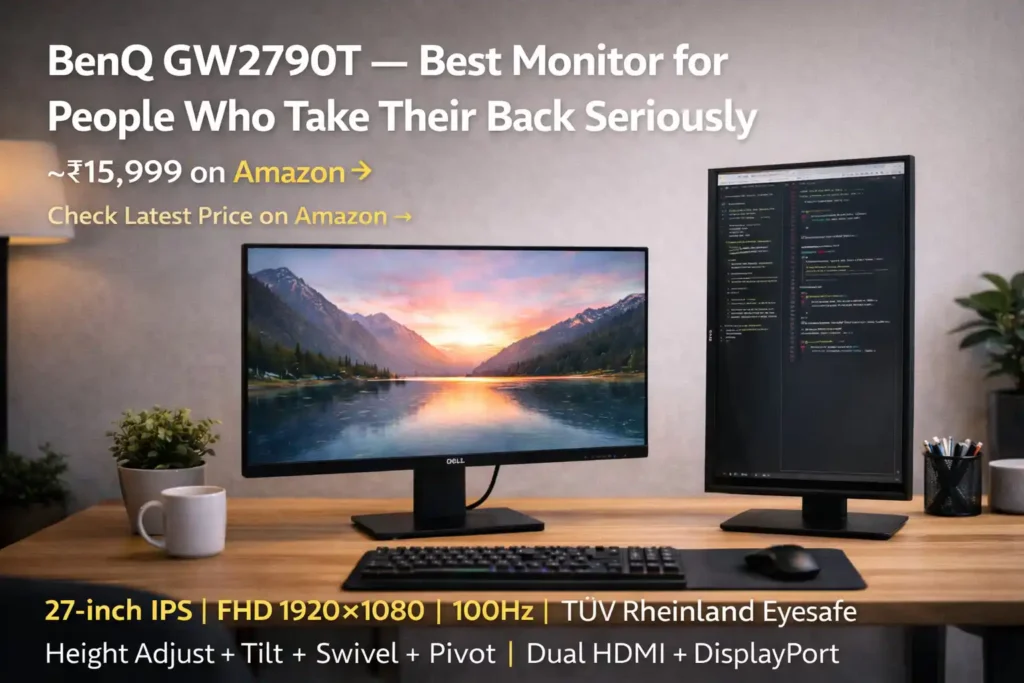
3. BenQ GW2790T — Best Monitor for People Who Take Their Back Seriously
Price: ~₹15,999 on Amazon 👉 Check Latest Price on Amazon →
Specs at a glance: 27-inch IPS | FHD 1920×1080 | 100Hz | TÜV Rheinland Eyesafe | Height Adjust + Tilt + Swivel + Pivot | Dual HDMI + DisplayPort
Here is a conversation that happens more than you would think: someone buys a monitor, loves it for six months, then starts mentioning neck pain. They go see a doctor or physio. The advice almost always includes something about screen positioning. They come back and ask about monitor arms.
The thing is, most of that could have been avoided with a monitor that has proper height adjustment built in.
The BenQ GW2790T is essentially the GW2790 — same excellent 27-inch FHD IPS panel, same 100Hz, same complete eye-care suite, same TÜV Rheinland Eyesafe certification — but with a stand that actually moves. You can adjust the height to match your seated eye level precisely. You can swivel it to share your screen without turning your whole body. You can pivot it to portrait mode, which, if you have never tried reading long documents or writing code on a vertically-oriented screen, is a genuine productivity discovery.
This quality of ergonomic stand typically shows up on monitors priced Rs 5,000–8,000 higher. BenQ has brought it into the Rs 15,999 tier, and for anyone spending six or more hours at their desk every day, the price difference is easily justified. Think of it less as paying for a monitor feature and more as paying to avoid a physio bill later.
Our verdict: If you are building a WFH setup you intend to use for three or more years, get the GW2790T. Your back and your neck will not complain, and the monitor will not give you a reason to either.
4. AOC Q27B3S2 — The Underrated QHD Monitor Nobody Talks About Enough
Price: ~₹12,900 on Amazon 👉 Check Latest Price on Amazon →
Specs at a glance: 27-inch IPS | 2K QHD 2560×1440 | 100Hz | 1ms Response | Adaptive Sync | HDMI + DisplayPort
Ask ten people in India which monitor to buy under Rs 15,000 and nine of them will say BenQ or LG without a second thought. AOC rarely enters the conversation, which is a shame — because the Q27B3S2 is delivering QHD resolution at Rs 12,900, making it one of the better value propositions in this entire guide.
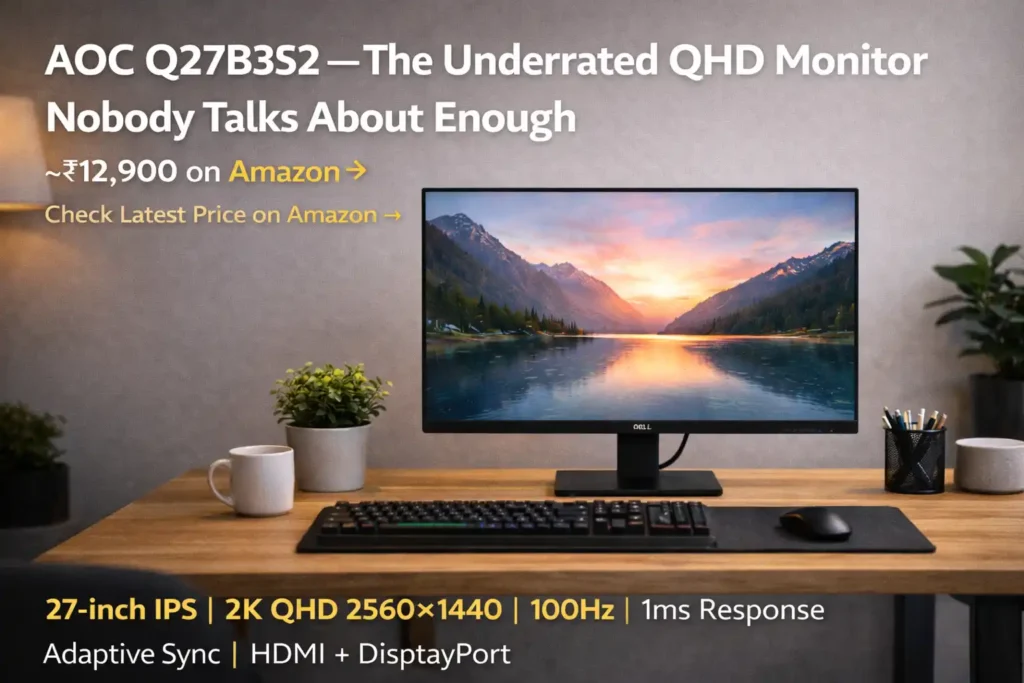
The 27-inch QHD IPS panel gives you the same 2560×1440 sharpness as the BenQ GW2790Q at roughly Rs 1,100 less. The 1ms response time and Adaptive Sync add usefulness for anyone who plays games occasionally in the evening. At 300 nits, the brightness is a step above most competitors at this price, which makes a real difference in brightly lit Indian rooms.
The honest part: AOC cuts corners on the stand — it tilts and nothing more. And their after-sales support experience in India, while available, is not quite at the level of Dell’s or BenQ’s in terms of ease and responsiveness. Standard advice here — unbox the monitor slowly, test every part of the panel before discarding the packaging, and check for any dead pixels or backlight irregularities. This is good practice with any monitor at this price point, but worth being deliberate about with AOC specifically.
Our verdict: A strong buy if you want QHD resolution at the lowest possible price and go in knowing the after-sales trade-off. For most buyers the panel quality justifies it completely.
5. HP M27f — Best for Buyers Who Just Want to Stop Overthinking
Price: ~₹12,999 on Amazon 👉 Check Latest Price on Amazon →
Specs at a glance: 27-inch IPS | FHD 1920×1080 | 75Hz | HP Eye Ease (Certified) | Micro-Edge Bezel | HDMI + DisplayPort
Not everyone wants to deep-dive into panel types and refresh rate debates. Some people just want a reliable 27-inch monitor from a brand they recognise, that looks clean on their desk, and works without fuss. The HP M27f is exactly that — and there is nothing wrong with knowing what you want.
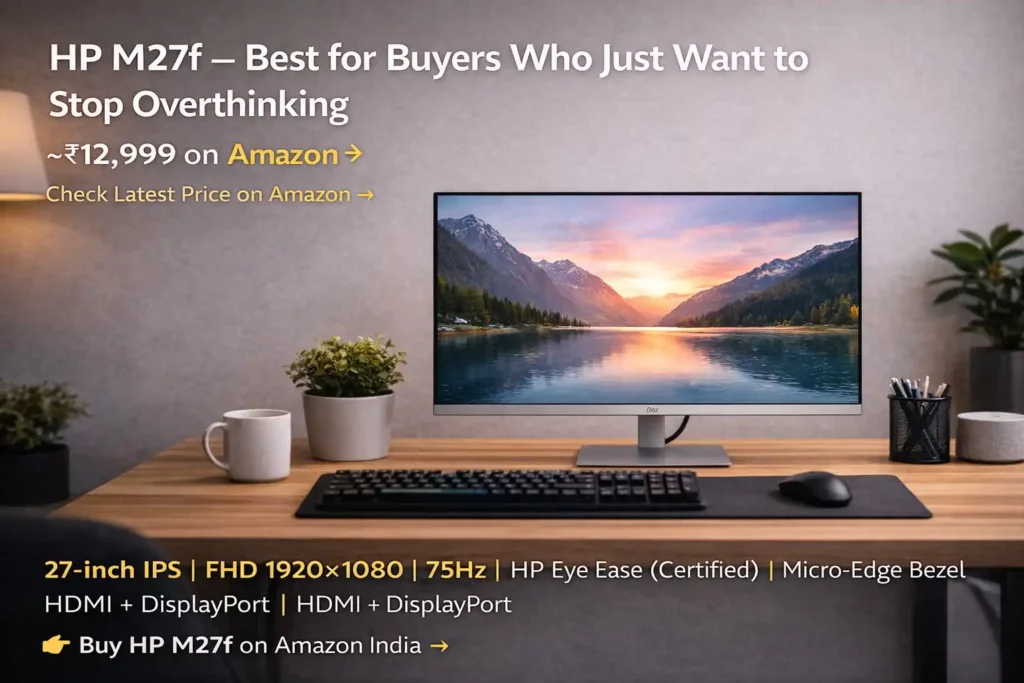
The micro-edge bezel design genuinely looks sharp in a home office. Since video calls became a daily ritual, the setup visible in your background has started to matter in ways it never used to. The HP M27f has the kind of slim, professional aesthetic that photographs well and does not look cluttered on a clean desk.
The IPS panel delivers accurate colours and wide viewing angles. HP’s Eye Ease low-blue-light technology is certified, not just claimed. For document work, email, video calls, and web browsing — which covers the daily routine of most remote workers — it performs cleanly and comfortably.
The only comparison that gives buyers pause is the 75Hz refresh rate against 100Hz rivals nearby in the price range. For standard office tasks, this difference is genuinely imperceptible. For fast-paced gaming, it would matter — but that is not what this monitor is designed for, and HP made a deliberate trade-off that makes complete sense for the target user.
Our verdict: The right answer for someone who wants to buy a trusted monitor, stop reading comparison articles, and get back to work. There is real value in simplicity.
6. BenQ GW2790 — BenQ’s Eye-Care Quality at Its Most Accessible Price
Price: ~₹10,999 on Amazon 👉 Check Latest Price on Amazon →
Specs at a glance: 27-inch IPS | FHD 1920×1080 | 100Hz | TÜV Rheinland Eyesafe | Brightness Intelligence Gen 2 | Coding Mode | ePaper Mode | Built-in Speakers
There is a lot packed into a monitor that costs under Rs 11,000. BenQ’s complete eye-care platform — flicker-free backlight, Low Blue Light Plus, Brightness Intelligence that adjusts to ambient room light, Coding Mode, ePaper Mode, and TÜV Rheinland Eyesafe certification — is the same technology sitting in monitors that cost significantly more. The GW2790 is simply where BenQ has made it most affordable.
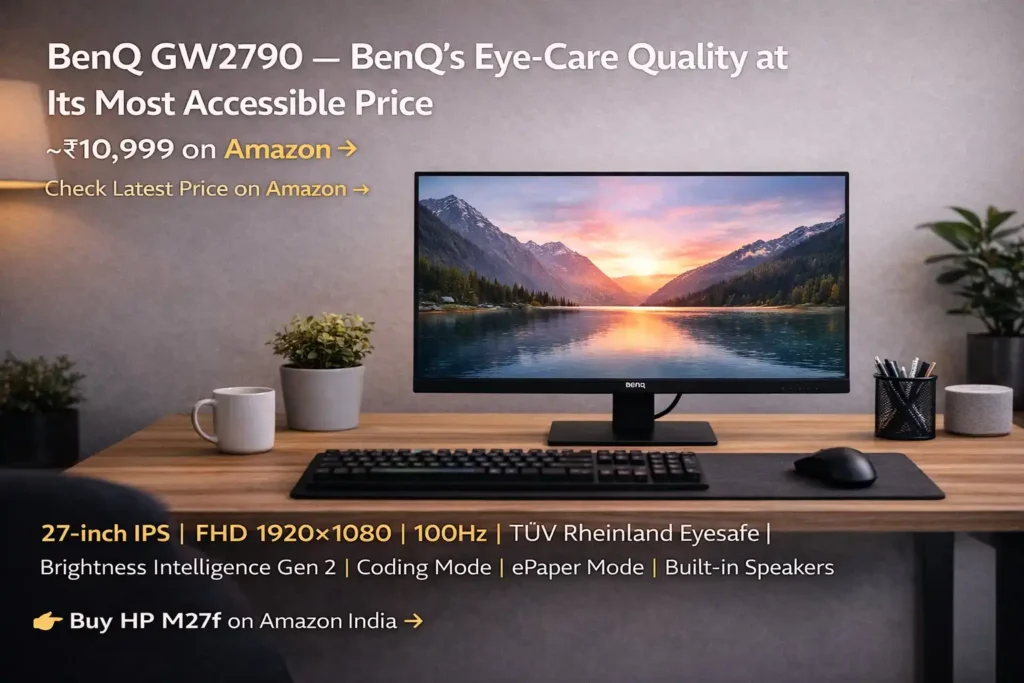
The 27-inch FHD IPS panel is honest and dependable. The anti-glare coating handles the kind of overhead lighting common in Indian homes — tubelight, LED panels — without the washing-out effect you get on glossy displays. The built-in 2W speakers are a small but practical bonus for video calls and background listening in a space-conscious setup.
One clear guidance that applies here: if the budget can stretch to Rs 13,999 for the GW2790Q and the QHD panel upgrade, take it. The sharpness difference at 27 inches is real and daily. But if Rs 10,999 is genuinely the ceiling, there is no better monitor available at that price in India right now.
Our verdict: The best monitor under Rs 11,000 currently on Amazon India. Full stop.
7. Samsung M5 27 inch Smart Monitor — For the WFH Setup That Does Everything
Price: ~₹17,999 on Amazon 👉 Check Latest Price on Amazon →
Specs at a glance: 27-inch VA | FHD 1920×1080 | 60Hz | Samsung Tizen OS | Wi-Fi Built-in | HDMI + USB | Built-in Speakers
The Samsung M5 asks a simple question before you buy it: how much of your day happens without a PC?
Because the M5 is not just a monitor. Connect it to your home Wi-Fi and it runs Samsung’s Tizen operating system independently — Netflix, YouTube, Amazon Prime, and more without any laptop or desktop plugged in. Microsoft 365 web apps work through the browser. Samsung DeX lets Galaxy smartphone users create a full desktop environment wirelessly on the screen. Apple devices connect through AirPlay. There is even a built-in Universal Guide that gives personalised content recommendations across streaming services.
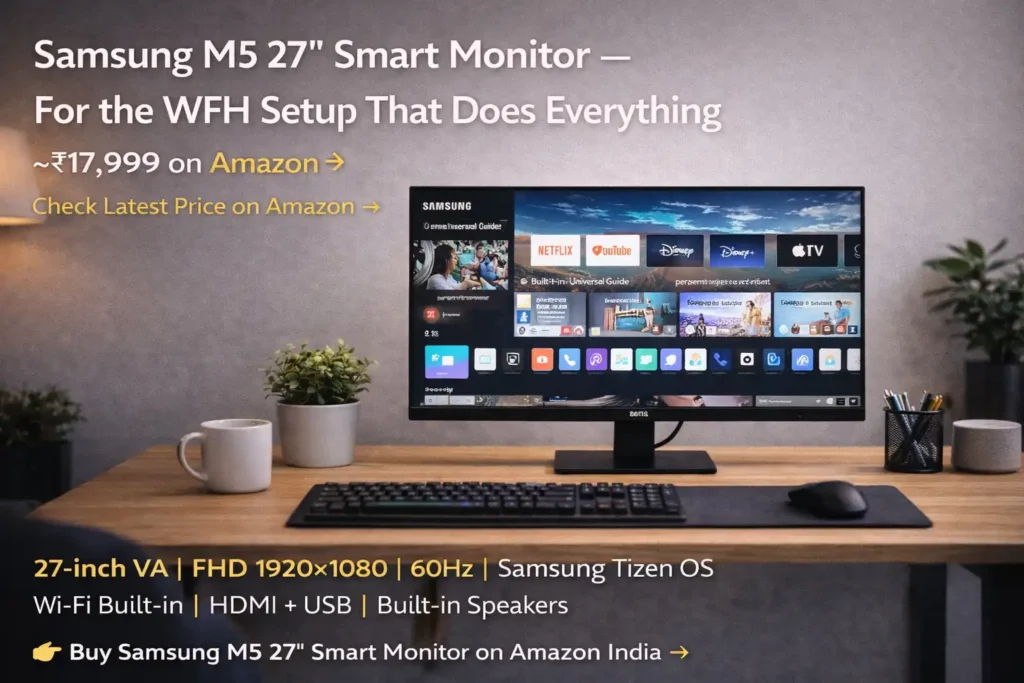
For the WFH professional who wants one screen that is a productivity display during work hours and a personal entertainment hub in the evening without switching devices, the M5 is genuinely clever and genuinely useful.
Here is the honest side of the picture though. As a straight display for connecting your laptop or PC, it loses ground to the BenQ GW2790Q at Rs 4,000 less. The VA panel at 60Hz is adequate for office tasks, not exceptional. The smart features carry a real price premium. If your laptop stays plugged in all day and you never touch the Wi-Fi functions, you are paying a significant amount for capability you will ignore.
Our verdict: Buy the M5 specifically because you want the smart features and will use them regularly. If you just need the best display at Rs 18,000, the GW2790Q with a monitor arm is a better use of that money.
8. BenQ GW2786TC — One Cable. Clean Desk. That’s the Whole Pitch.
Price: ~₹17,999 on Amazon 👉 Check Latest Price on Amazon →
Specs at a glance: 27-inch IPS | FHD 1920×1080 | 100Hz | USB-C 65W PD | Height Adjustable Stand | Built-in Noise-Cancelling Mic | Daisy Chain | USB Hub
Walk into the desk setup of someone who has been working from home for three or more years and you will notice one thing: there are almost no visible cables. That level of desk organisation does not happen by accident — it happens because the right equipment makes it easy. The BenQ GW2786TC is built for exactly that outcome.
The USB-C port here delivers 65 watts of Power Delivery, which handles most ultrabooks and thin-and-light laptops comfortably. One cable from laptop to monitor — video output, data transfer, and laptop charging all handled simultaneously. The cable clutter that accumulates behind every desk disappears. It is a small change that makes sitting down to work feel noticeably cleaner every single morning.
The built-in noise-cancelling microphone is something you do not expect to find on a monitor at any price. It filters ambient room noise during calls well enough to meaningfully replace a budget standalone mic for most users. If your WFH day involves regular video meetings — and whose does not — this is a practical feature you will use every day. Add a height-adjustable ergonomic stand, a USB hub, and daisy-chain support for a multi-monitor setup, and the GW2786TC is packing a remarkable feature list.
The trade-off is unavoidable: FHD resolution at Rs 17,999 is a real compromise when the BenQ GW2790Q gives you sharper QHD for Rs 4,000 less. You are paying for specific features — USB-C PD, ergonomic stand, built-in mic, USB hub. If those features match your daily workflow precisely, they are worth it.
Our verdict: Built for the laptop-first professional who values a clean desk and better call audio above all else. If that description fits you, this is your monitor. If it does not, the money is better spent on resolution elsewhere.
9. Acer Nitro VG271U M3 — When You Work Seriously and Game Even More Seriously
Price: ~₹18,999 on Amazon 👉 Check Latest Price on Amazon →
Specs at a glance: 27-inch IPS | 2K QHD 2560×1440 | 180Hz | 0.5ms Response | DCI-P3 95% | HDR10 | AMD FreeSync Premium | 2× HDMI + DisplayPort
Some monitors are designed for one thing. The Acer Nitro VG271U M3 is designed for two things and refuses to compromise on either.
By day, the 27-inch QHD IPS panel with DCI-P3 95% colour coverage gives you the kind of display accuracy that content creators, editors, and designers actually trust. Colours are vivid without being inaccurate. Text is sharp at 2560×1440. Acer’s VisionCare 2.0 — flicker-free backlight and blue light filtering — keeps long work sessions comfortable. This is a monitor you can run a full workday through without feeling like your eyes have been sandblasted.
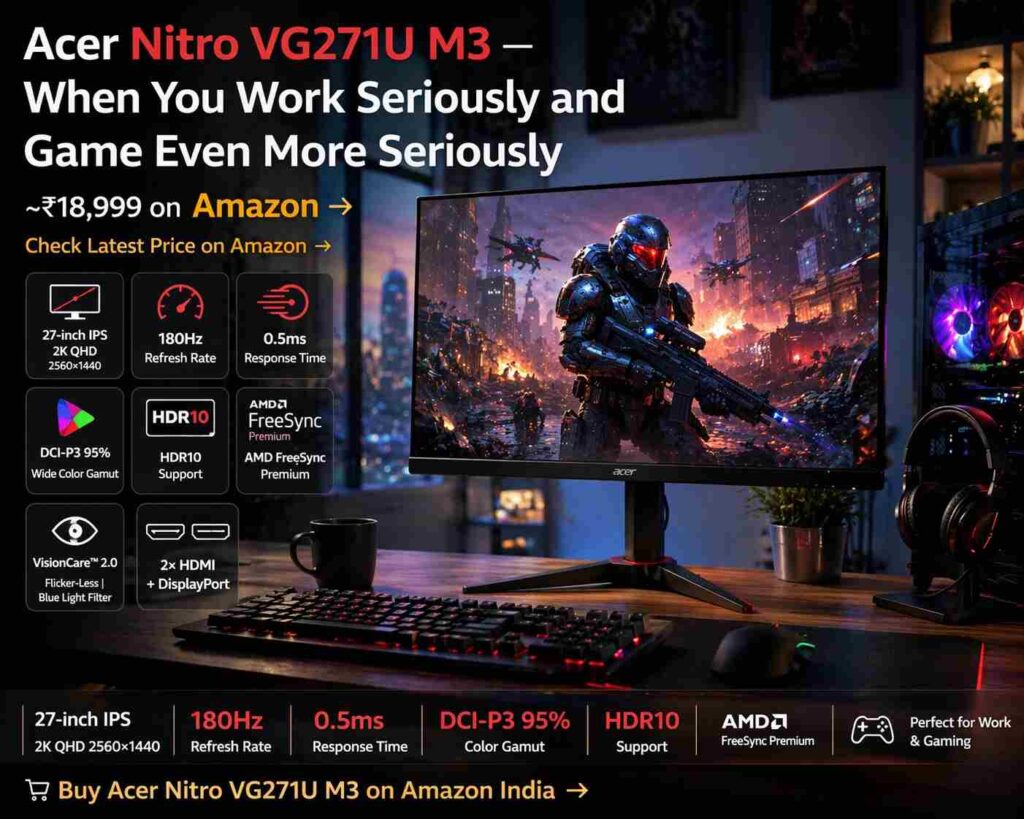
By night, the 180Hz refresh rate and 0.5ms response time turn the same display into a genuinely responsive gaming monitor. AMD FreeSync Premium eliminates screen tearing. HDR10 adds depth to dark scenes in games and films. The difference between playing on a 60Hz monitor and a 180Hz monitor is something you feel immediately and cannot unfeel — motion just looks different, smoother, more natural.
At Rs 18,999 this is the most premium display on this list, and it earns that position by being the most technically capable across the widest range of tasks.
Our verdict: If your budget reaches Rs 19,000 and you want a single monitor that excels at serious work and serious gaming without making you pick one, this is the one to buy. No caveats.
10. LG 27MR400 — The Monitor That Just Looks Right on Every Desk
Price: ~₹11,499 on Amazon 👉 Check Latest Price on Amazon →
Specs at a glance: 27-inch IPS | FHD 1920×1080 | 100Hz | Flicker Safe | Reader Mode | 3-Side Borderless Design | HDMI + DisplayPort
LG makes IPS panels. Not just for their own monitors — for a significant portion of the broader monitor market. So when LG puts one into their own product, the baseline quality is not a question mark. The 27MR400 carries that manufacturing heritage into a price that is genuinely accessible.
The three-side virtually borderless design is the first thing you notice, and it remains pleasing every day after. Video calls have made desk aesthetics matter in a way they never quite did when everyone worked in offices. The LG 27MR400 has the kind of clean, slim, considered look that photographs well, complements a minimal desk setup, and does not demand attention in the way that gaming monitors sometimes do.
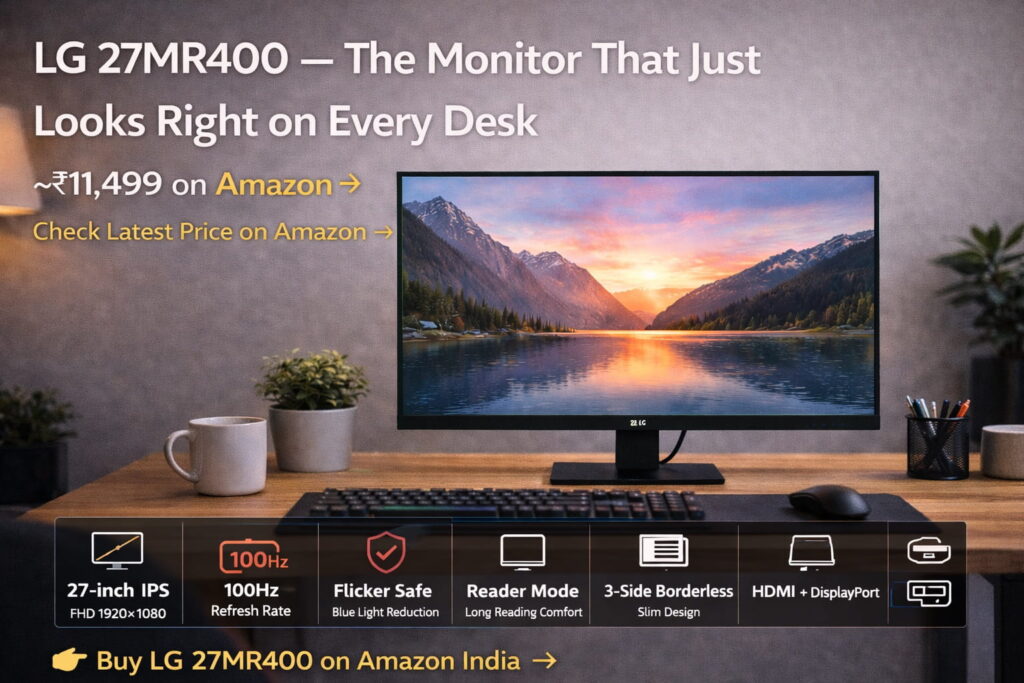
The anti-glare coating is one of the better ones in this price range — particularly relevant for Indian homes where overhead LED and fluorescent lighting is the norm and cheaper anti-glare treatments cause a milky, diffused look that is actually more distracting than glare. Reader Mode shifts colour temperature for long reading sessions, and Flicker Safe removes the invisible cycling that builds invisible fatigue.
The honest flag: at Rs 11,499, you are getting close to price territory where sales occasionally bring the GW2790Q within striking distance. Keep an eye on Amazon during Great Indian Festival or Prime Day if you are flexible on timing — the QHD upgrade may be within reach.
Our verdict: LG’s reliability, excellent panel quality, and a genuinely beautiful design at a budget price. The right choice for buyers who want their setup to look as good as it performs.
👉 Buy LG 27MR400 on Amazon India →
Buyer’s Guide — Four Things Worth Knowing Before You Decide
Eye care labels are not all equal. Walk through any electronics aisle or product listing and you will see eye care on almost every monitor box. It has become a default claim rather than a meaningful differentiator. What cuts through the noise is third-party certification. TÜV Rheinland Eye Comfort and Eyesafe are the two you can actually trust — independent laboratories tested the panel and verified the claims. A monitor without either certification might still be fine, but you are taking the brand’s word for it.
Sharpness is about pixels per inch, not just resolution. Full HD on a 24-inch screen looks sharp. Full HD on a 27-inch screen is a bit softer because the same number of pixels is spread across a larger area. QHD on a 27-inch screen brings that pixel density back up to where text looks genuinely crisp — similar to how a sharp print looks versus a photocopy. If you work with text-heavy tasks for most of your day, this is not a minor difference.
Your stand is part of your ergonomics, not just your aesthetics. A monitor set at the wrong height — even by a few centimetres — creates sustained tension in your neck and upper shoulders that builds quietly over months. The monitors on this list with height-adjustable stands (the BenQ GW2790T and GW2786TC) solve this built in. For the others, a basic monitor arm from Zebronics or AmazonBasics costs Rs 1,500–2,000 and does the same job, often better than any built-in stand.
Prices on Amazon India are more fluid than most people realise. A monitor that is Rs 13,999 today may be Rs 12,499 next week during a sale, or Rs 14,999 the day after a stock adjustment. The prices in this guide are our best current estimates — but the only number that counts is the one on the product page when you are ready to buy. Use the links here to go straight to each listing and check before you add to cart.
So, Which One Should You Actually Buy?
Here is the short version for those of you who have scrolled straight to the end — no judgment, it happens.
For most work-from-home buyers in India with a budget under Rs 20,000, the BenQ GW2790Q at ~₹13,999 is the right answer. It combines 2K QHD sharpness, certified eye care, accurate colour, and a reliable BenQ build into a package that represents the best value at any price on this list.
If you are on a tighter budget and your laptop has USB-C, the Dell SE2725HM at ~₹10,399 is a smart, practical pick. If posture and ergonomics matter to you, go for the BenQ GW2790T at ~₹15,999. If gaming is a serious part of your evenings, the Acer Nitro VG271U M3 at ~₹18,999 is the one you will not regret.
Whatever you choose from this list, the change from a laptop screen to a proper external monitor is one of those upgrades that makes you wonder why you waited. Your eyes will feel it. Your posture will feel it. Your productivity, in ways that are hard to quantify but easy to notice, will feel it.
Make the switch. You will not look back — except to look at your new monitor.
👉Check the BenQ GW2790Q Price on Amazon India →
Prices mentioned in this guide are approximate and based on research conducted in April 2026. They are subject to change without notice. This post includes Amazon affiliate links — purchases made through these links earn BudgetPCBuild.in a small commission at no extra cost to you. Our recommendations are based purely on value and suitability for Indian buyers, not on commission rates or brand relationships.


